Canva Craft Review: In-House AI Image Model Capabilities and API Access
Review summary
Canva Craft is Canva’s in-house AI image model released October 22, 2026, trained on design templates and available through Dream Lab and the public API.
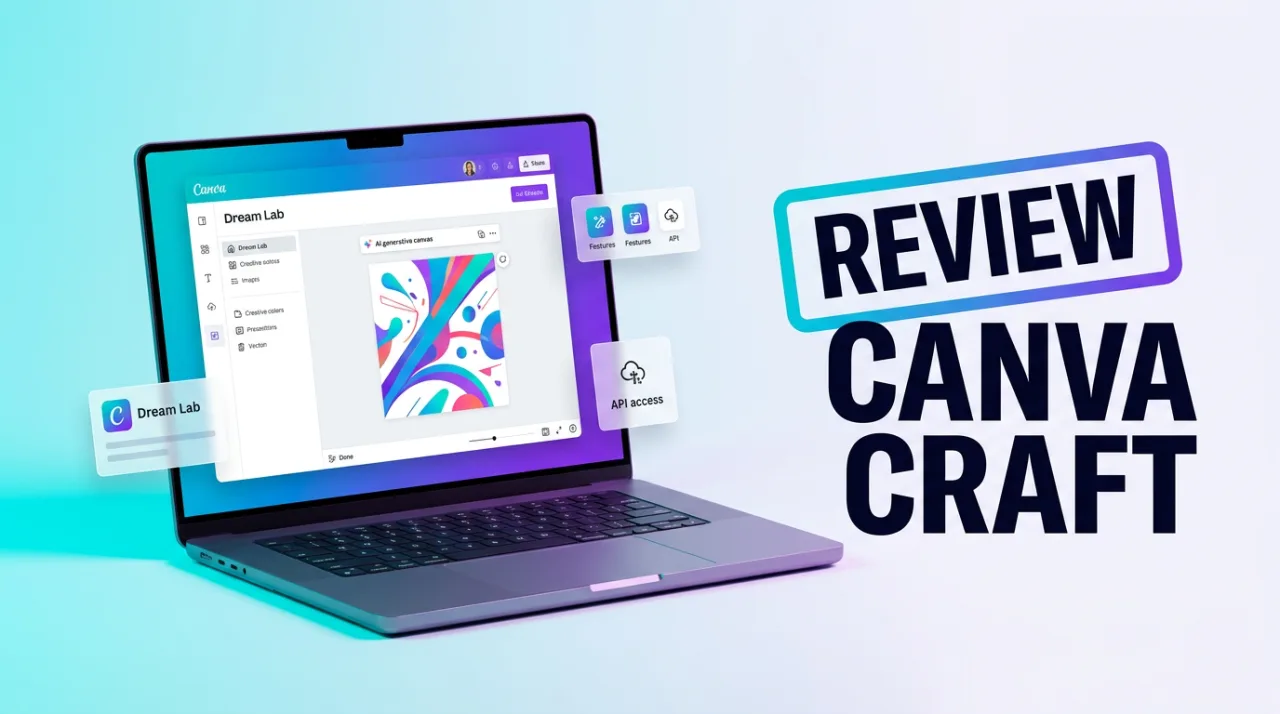
Canva Craft review shows that the model focuses on design layouts rather than photographic realism. Launched on October 22, 2026, it generates images up to 2K resolution with support for more than 30 aspect ratios and legible text in 55 languages. The system uses a two-stage process that first plans composition and text, then renders the output.
Training data consists of millions of human-designed Canva templates for posters, social posts, presentations, infographics, and menus. This approach produces outputs that integrate directly with Canva Magic Layers for further editing. The model ranks fourth on the DesignArena leaderboard with an ELO score of approximately 1,340–1,341 as of October 22–23, 2026.
Canva Craft Features and API Access
Key functions include prompt support in any language, strong handling of text hierarchy, object placement, and editable vector-style results. Users access the model immediately through Dream Lab in the left menu for all global Canva accounts. The public Connect API exposes the model as craft_v1_2k on the image-generations endpoint, requiring the asset:write scope and running asynchronous jobs that take 50–60 seconds.
Canva Shield supplies moderation and privacy controls. Future variants named Craft-fast and Craft-ultrafast are planned for speed and cost improvements, though no release dates have been announced. Canva MCP support for external agents such as ChatGPT and Gemini is scheduled to arrive later.
Performance data from Canva’s internal tests of 25,000 comparisons shows top placement in People & Portraits and Landscapes & Nature categories. The model places second among labs in Canva Research rankings. Outputs remain compatible with existing Canva workflows and maintain consistent design elements across multiple aspect ratios.
Canva Craft Pricing, Comparisons, and Limitations
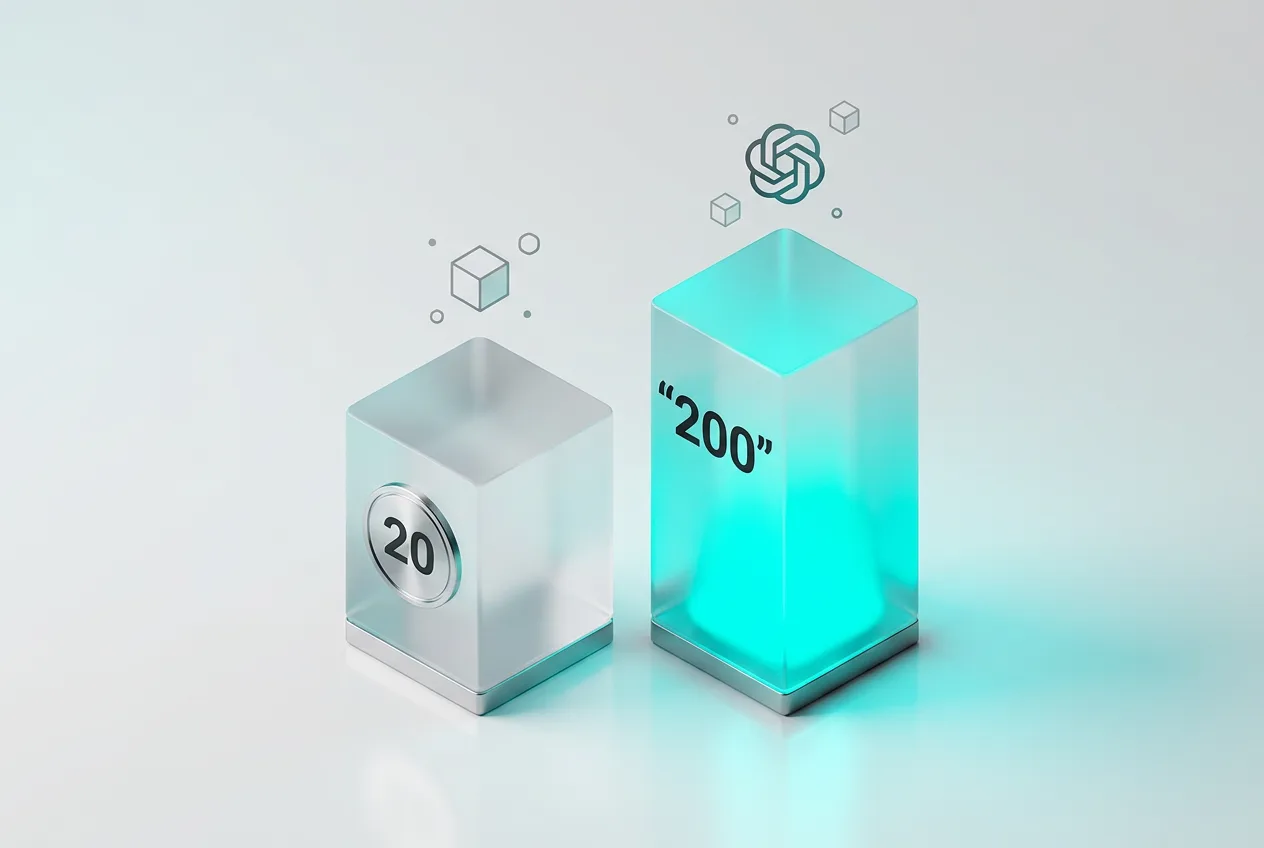
Generation consumes credits from existing Canva AI monthly allowances without an additional fee. Free accounts receive up to 20 combined Standard or Premium uses, Pro accounts receive up to 200 Premium uses, and Business accounts receive up to 400 Premium uses. The exact credit cost per Craft generation is not publicly specified.
Common alternatives include Adobe Express with Firefly AI, Figma for real-time collaboration, and VistaCreate for template-based design. The table below compares core attributes:
| Service | Max Resolution | API Access | Template Focus | Free Tier Limit |
|---|---|---|---|---|
| Canva Craft | 2K | Connect API (preview) | Canva templates | 20 uses |
| Adobe Express Firefly | 4K | Yes | Adobe Stock | 25 uses |
| VistaCreate | 2K | Limited | Custom templates | 50 uses |
Limitations include preview status of the API, lack of published per-generation debit amounts, and current ranking behind three OpenAI models on DesignArena. No independent long-term user complaint data exists yet because the model launched one day prior to this review. Faster variants and expanded integrations remain in development.
Frequently asked questions
How do I access Canva Craft?
Open Dream Lab from the left menu in any Canva account. The model is available globally to Free, Pro, and Business users without separate signup.
Does Canva Craft use a separate pricing plan?
No. Generations draw from existing Canva AI allowances. Free accounts have a 20-use monthly cap while Pro and Business plans offer higher limits of 200 and 400 uses.
What are the main Canva Craft alternatives?
Adobe Express with Firefly, Figma, and VistaCreate appear most often in comparisons. Each differs in resolution support, API maturity, and template libraries.
Is the Canva Craft API production-ready?
The Connect API endpoint craft_v1_2k remains in preview. Jobs run asynchronously and require the asset:write scope.
Comments 1