ApprovalMax Pay Review: US Launch, QuickBooks Integration, and Accounts Payable Automation
Review summary
ApprovalMax Pay launched in the US in October 2026 to let QuickBooks Online users approve vendor bills and send payments in one workflow with full audit trails.
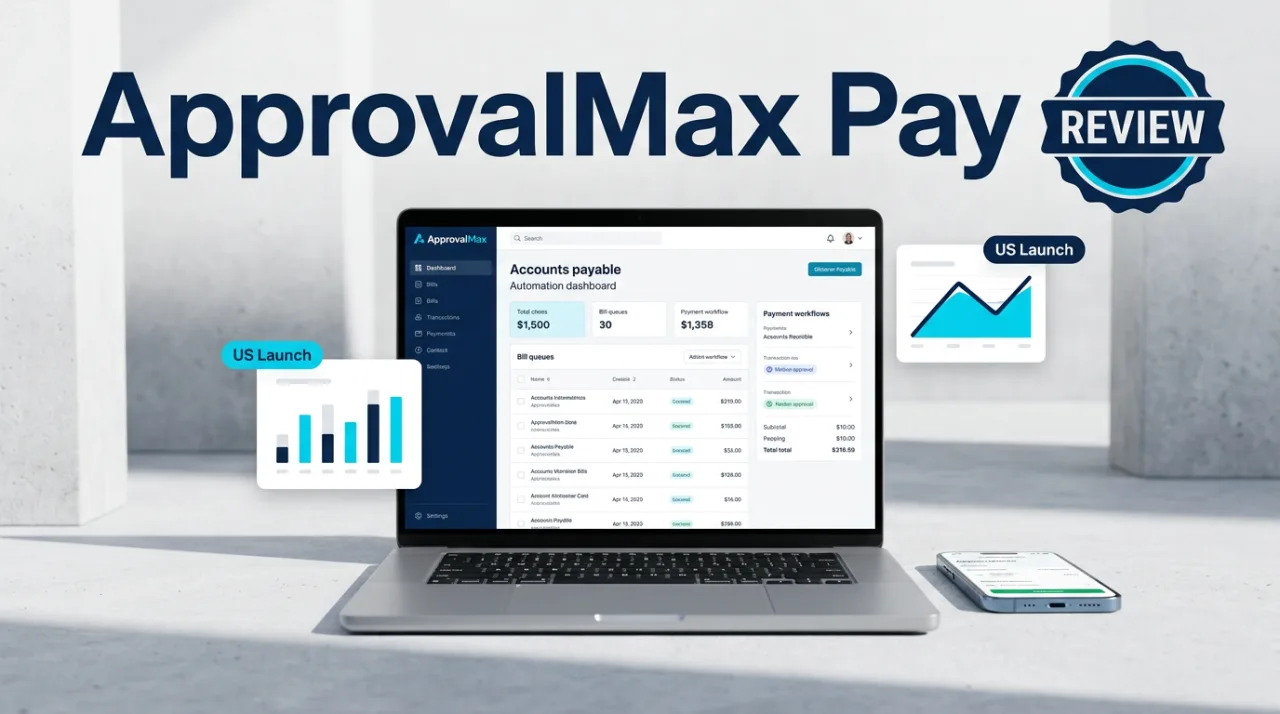
ApprovalMax Pay entered the US market in October 2026 as an add-on to the existing ApprovalMax platform, allowing QuickBooks Online users to handle bill approval and payment execution inside a single controlled process. The feature supports ACH and Real-Time Payments, batch processing of up to 200 payments, and automatic two-way sync that marks bills paid once funds leave the pre-funded wallet. Finance teams gain one continuous record from approval through reconciliation without switching between separate tools.
ApprovalMax Pay US Launch and Core Capabilities
ApprovalMax was founded in 2014 and serves more than 20,000 businesses with accounts payable automation across Xero, QuickBooks Online, and NetSuite. The US version of Pay followed the UK rollout that had processed over £98 million in payments by late October 2026. The product lets teams approve a bill, trigger a payment from the same screen, and maintain separation between approvers and payers through role-based permissions and dual authorization.
Key controls include vendor detail verification that flags new or changed payees with traffic-light indicators, 2FA on payment releases, and automatic re-approval if any detail on an approved bill changes. Multi-currency wallets hold balances in more than 30 currencies. Payments can be released individually or in batches, and completed transactions sync back to QuickBooks Online to close the reconciliation loop.
Pay is included on Standard, Advanced, and Premium plans for eligible US QuickBooks Online entities that maintain a US bank account. Top-ups to the USD wallet are free, and no monthly holding or maintenance fees apply. The service works alongside existing bank payment methods rather than replacing them.
QuickBooks Integration, Security, and Pricing Details
Two-way synchronization means an approved bill moves directly into the payment queue, and the payment status updates the bill record in QuickBooks Online without manual entry. Changes to an already approved bill trigger a fresh approval cycle before payment can proceed. The platform records every step in a single audit trail that remains accessible for compliance reviews.

Security measures separate the roles of bill approver and payment releaser, require dual authorization for higher-value transactions, and verify payee details against prior payments. All releases require 2FA. The pre-funded wallet model reduces the need to expose bank credentials repeatedly during payment runs.
ApprovalMax does not charge an extra subscription fee for Pay on eligible plans. Transaction costs depend on the payment rail chosen, with ACH and RTP fees disclosed at the time of release. Users report that workflow customization and mobile access reduce approval cycle times, though some note occasional limits on highly complex approval matrices.
User Feedback, Limitations, and Competitor Comparison
Capterra lists ApprovalMax at approximately 4.6 to 4.7 out of 5 from dozens of reviews, while the Xero App Store shows 4.8 out of 5. Common praise centers on customizable workflows, clear audit trails, and time savings during monthly closes. Specific feedback on the new Pay feature remains limited because of its recent launch. Trustpilot volume is lower and shows more mixed scores.
Limitations include the requirement for a US bank account and eligibility restricted to certain QuickBooks Online entity types. No independent long-term data on payment failure rates or support response times for Pay exists yet. Expansion of additional payment rails and volume reporting tools is expected but not confirmed in current documentation.
| Platform | Payment Rails | Max Batch Size | Wallet Fees | QuickBooks Sync |
|---|---|---|---|---|
| ApprovalMax Pay | ACH, RTP | 200 | None | Two-way real-time |
| Melio | ACH, check, card | Unlimited | None | One-way import |
| Bill.com | ACH, check, card | Varies | None | Two-way |
Compared with Melio and Bill.com, ApprovalMax Pay keeps approval logic and payment execution inside one system rather than routing payments through a separate portal. Melio offers broader payment method choices but lacks native approval workflow depth. Bill.com provides similar two-way sync yet requires separate licensing for advanced approval controls that ApprovalMax bundles on its Standard plan and higher.
Frequently asked questions
When did ApprovalMax Pay launch in the US?
ApprovalMax Pay became available to eligible QuickBooks Online users in October 2026 following the UK rollout that processed over £98 million in payments.
Does ApprovalMax Pay charge extra subscription fees?
Pay is included on the Standard, Advanced, and Premium plans for qualifying US QuickBooks Online entities. No additional subscription is required beyond the existing plan.
How does ApprovalMax Pay sync with QuickBooks Online?
Approved bills move directly into the payment queue, and completed payments update the bill status automatically. Any change to an approved bill requires re-approval before release.
What payment methods does ApprovalMax Pay support?
The service supports ACH and Real-Time Payments in batches up to 200 transactions from a pre-funded USD wallet with free top-ups and no holding fees.
Comments
No comments yet. Be the first!